01
Install & sign in
Sign in with Google or an email link. Starts on boot, lives in the tray.
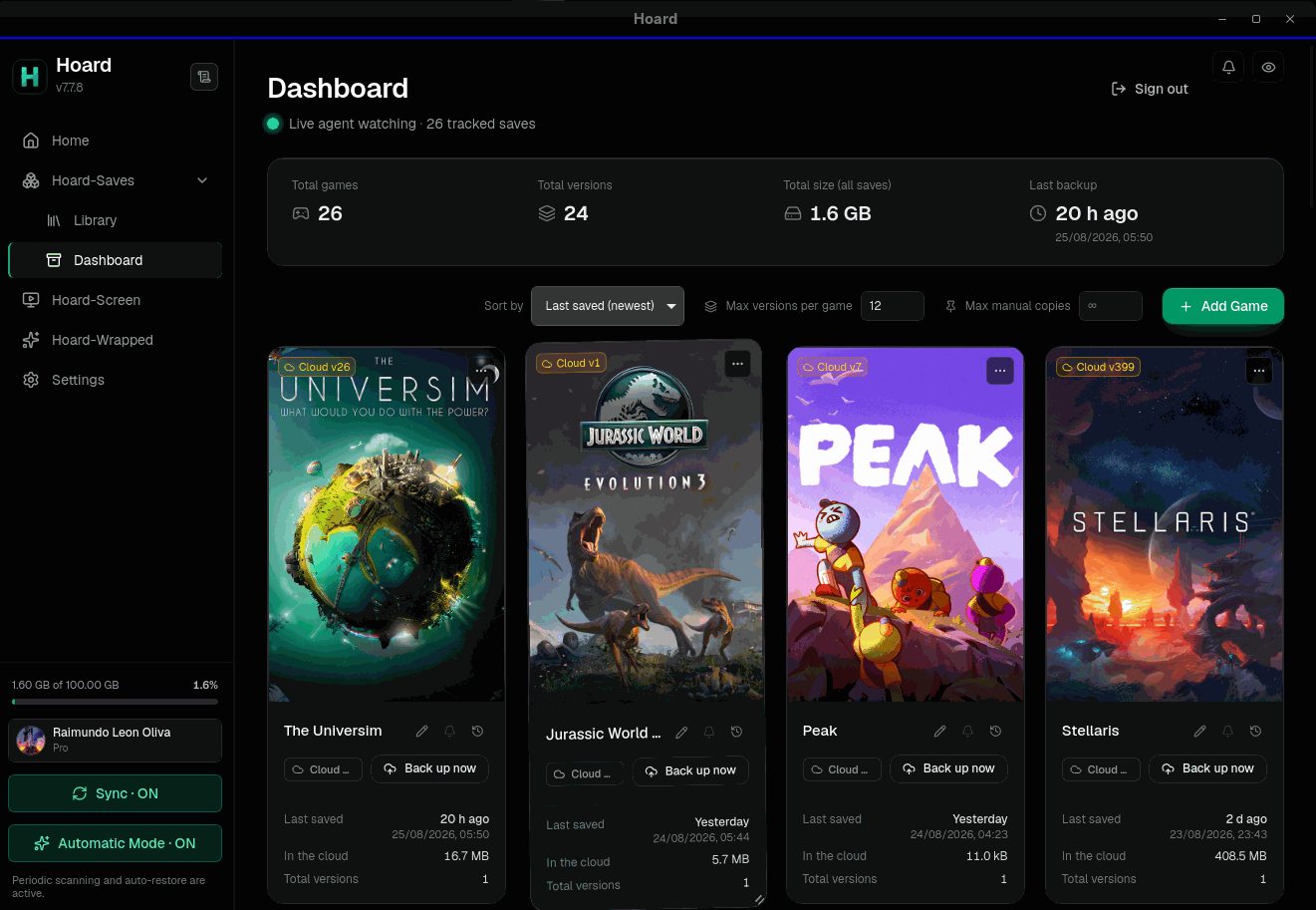
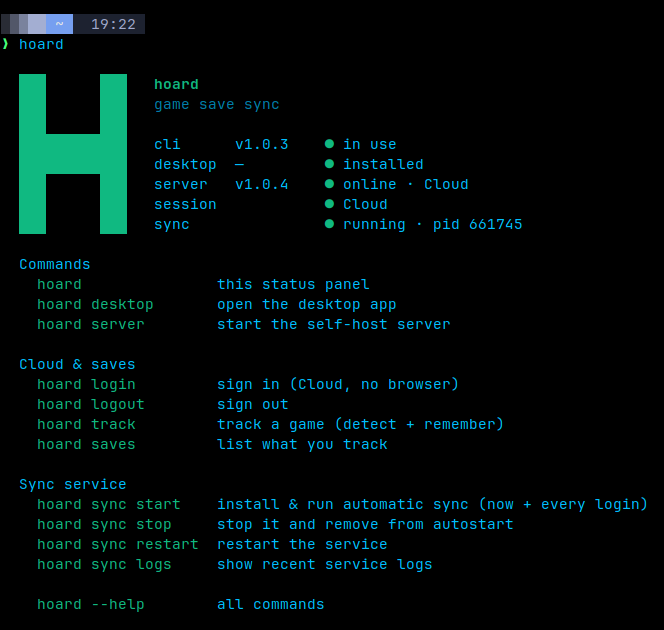
Hoard syncs your saves across devices: stop playing on one PC and your game is waiting on the next. Every save keeps a full version history, verified file by file. Self-host completely private, or use the free EU cloud.
1. Sync
Close the game on one PC. Open the other. It's there.
2. AI
Hoard does everything on its own; AI is an optional extra. If you already use an agent like opencode, Claude Code or Codex, Hoard ships a skill that lets it read your saves, find what is wrong and propose the fix.
 opencode open source
 Claude Code
  Codex open source
 Gemini CLI open source
 Cursor
  Goose open source
 GitHub Copilot
  Ollama local
 Cline open source
 Windsurf
  Roo Code open source
 Zed open source
 Amp
Amp  Kilo Code open source
 Warp
Warp  OpenHands open source
 Kiro
Kiro  LM Studio local
 Qwen Code open source
 Junie
Junie  Trae
Trae  Antigravity
  Qoder
Qoder 3. How to start
Install the app, sign in once, and forget it's there.
Sign in with Google or an email link. Starts on boot, lives in the tray.
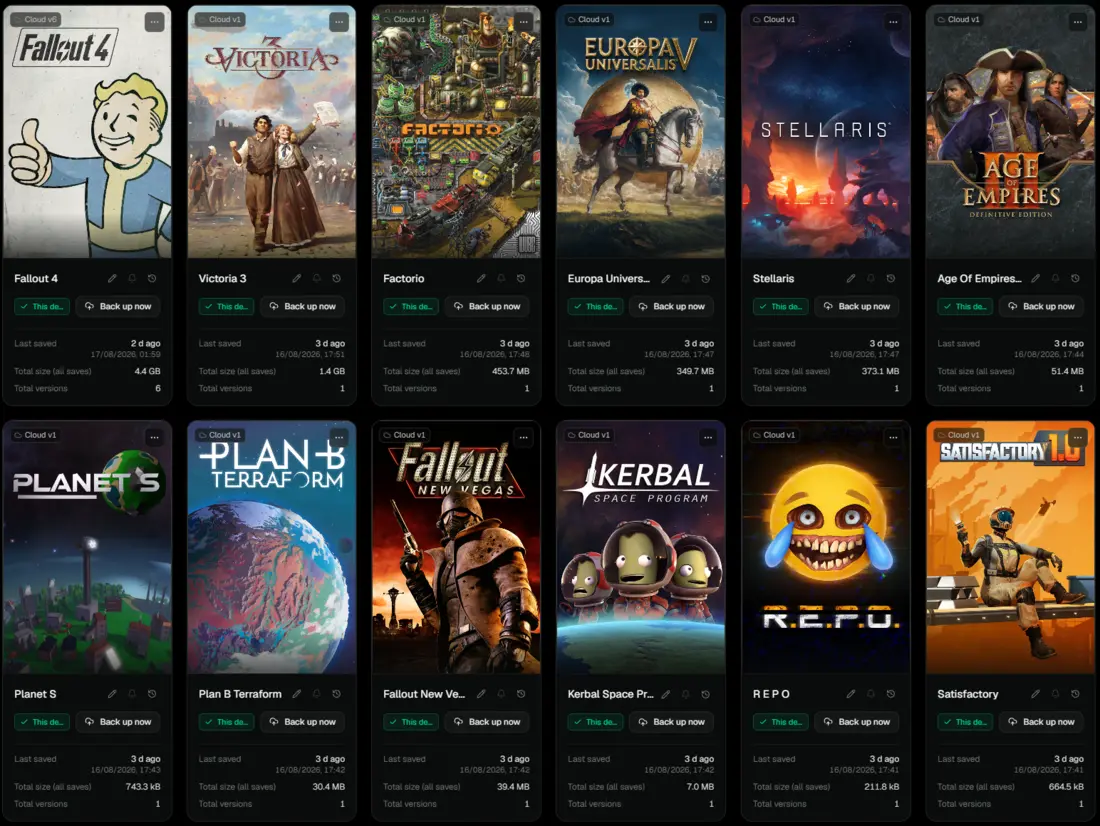
Steam, Epic, GOG, Proton/Wine prefixes and more, thousands of titles via the Ludusavi manifest.
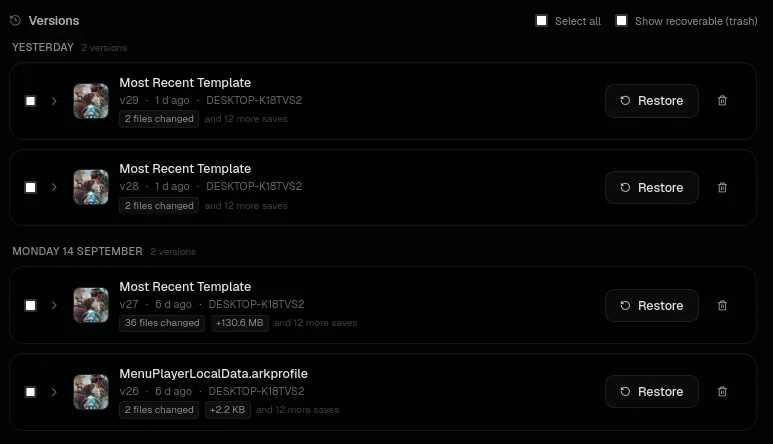
A snapshot every time you stop playing. Roll back to any version from the Library.
4. What you get
Everything below ships in the product today, on both tiers.
Saves follow you from desktop to laptop. Newest wins, the other is backed up locally.
History never expires. Roll back three weeks or three years.
Content-addressed snapshots, re-hashed on restore.
Thousands of titles via the Ludusavi manifest, plus Steam, Epic, GOG, Proton, Wine and more.
One app, one account, one set of saves. Proton/Wine prefixes included.
Export every save as the game wrote it, Free included.
5. Self-host
One Rust binary under AGPL-3.0. No account, no quotas, just your disk. Runs on a Raspberry Pi.
Install guide on GitHubmkdir hoard && cd hoard
curl -O https://raw.githubusercontent.com/\
rleeon/hoard/main/deploy/docker/docker-compose.yml
docker compose up -d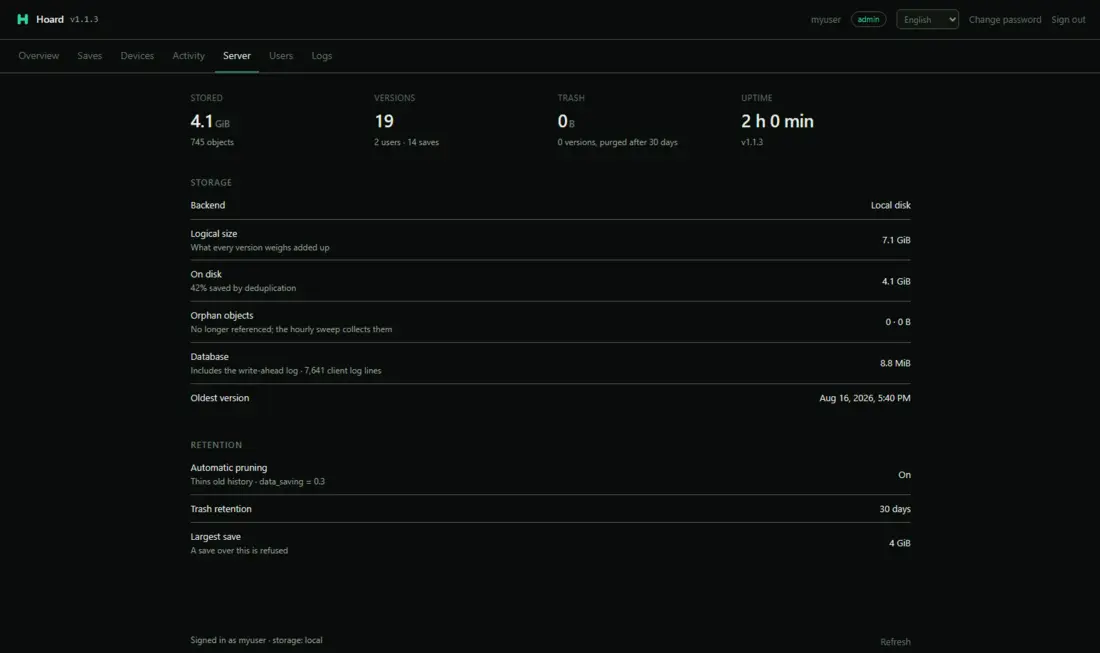
6. Guides
How to sync game saves across multiple PCs
Play on your desktop, laptop and Steam Deck without losing progress: sync game saves between PCs automatically, with version history. Step by step.
Steam Cloud alternative: sync and back up the saves Steam doesn't
Steam Cloud skips many games and keeps no history. Sync and back up every game from any launcher between PCs and Steam Deck, with versions to roll back.
How to back up and sync emulator saves (RetroArch, Dolphin, PCSX2)
Back up and sync emulator saves between PCs and Steam Deck: RetroArch, Dolphin, PCSX2, DuckStation and more, with version history and where each one saves.